Your home screen,
any vibe you want.
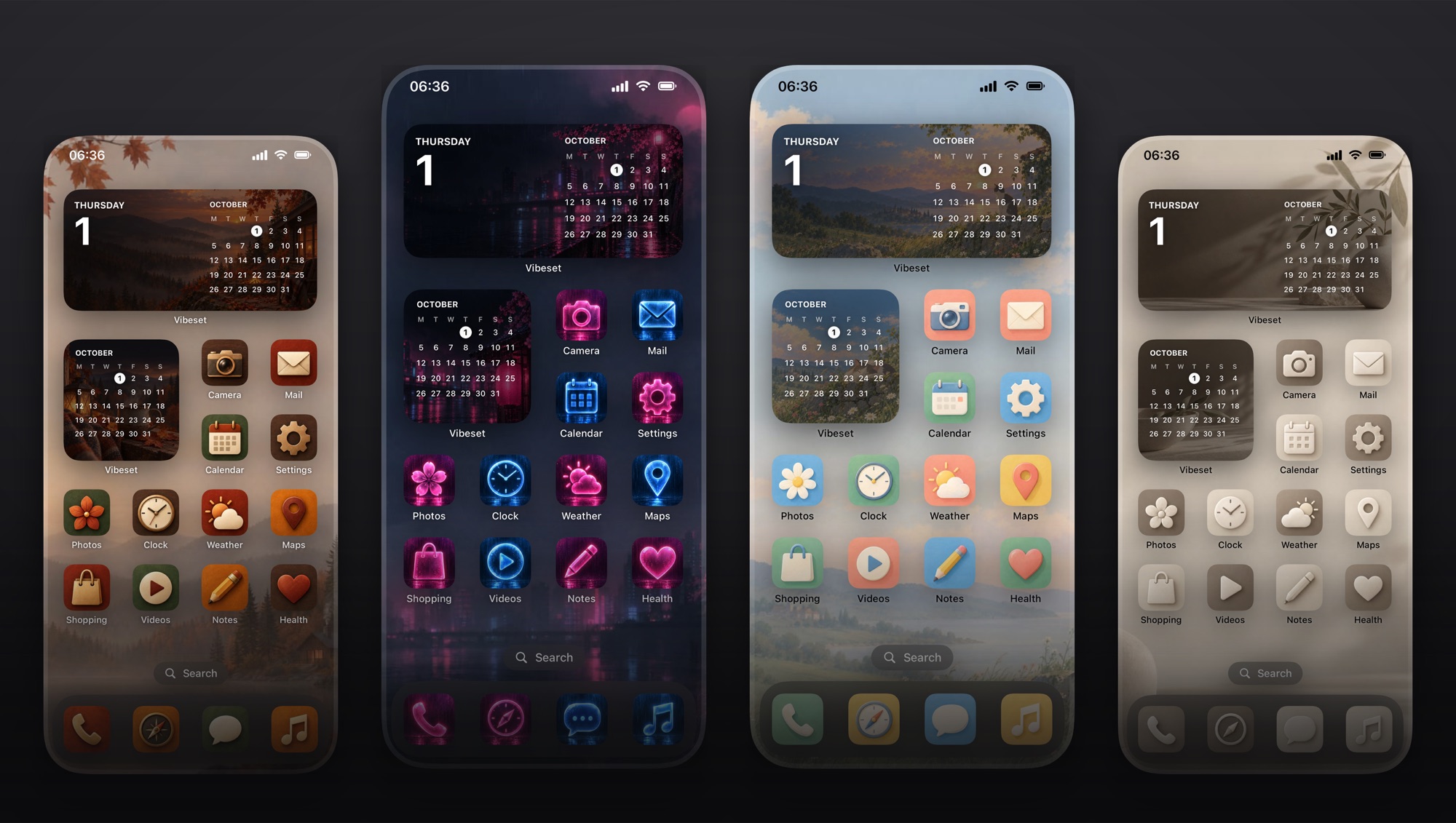
Type a theme and Vibeset makes a matching set: a wallpaper, 20 app icons and widgets, all in one style.
Coming soon to the App StoreFor iPhone and iPad. Your first set is free.
How it works
From idea to a finished home screen in about a minute.
Type a vibe
Describe the look you want in a few words. Vibeset can expand it into a fuller art direction for you.
Tap Generate
You get a wallpaper, 20 app icons and square and wide widgets, all designed together so they match.
Make it yours
Save the wallpaper, add the widgets, and set your new icons with Shortcuts. The app walks you through each step.
Ideas to try
Any theme works. Here are a few to get you started.
More than a wallpaper
Everything you need for a complete home screen.
Matching icons
20 icons for your everyday apps, plus icons for any other app you name, in the same style.
Widgets
Small, medium and large widgets with art from your set. Choose your own widget colors too.
Tweak any set
Not quite right? Describe what to change and Vibeset updates the set.
No account needed
No sign-up and no login. Open the app and start creating.